One cozy cabin, every season, day to night.
twelve wallpapers for your Mac: the same little cabin in winter, spring, summer and autumn, each by day, at dusk and by night, at 3840 × 2160. they come with Season Jar, and they’re made to sit under its weather.
macOS 14 or laterfrom $9, pay onceAll sales are final, so try the demo first.








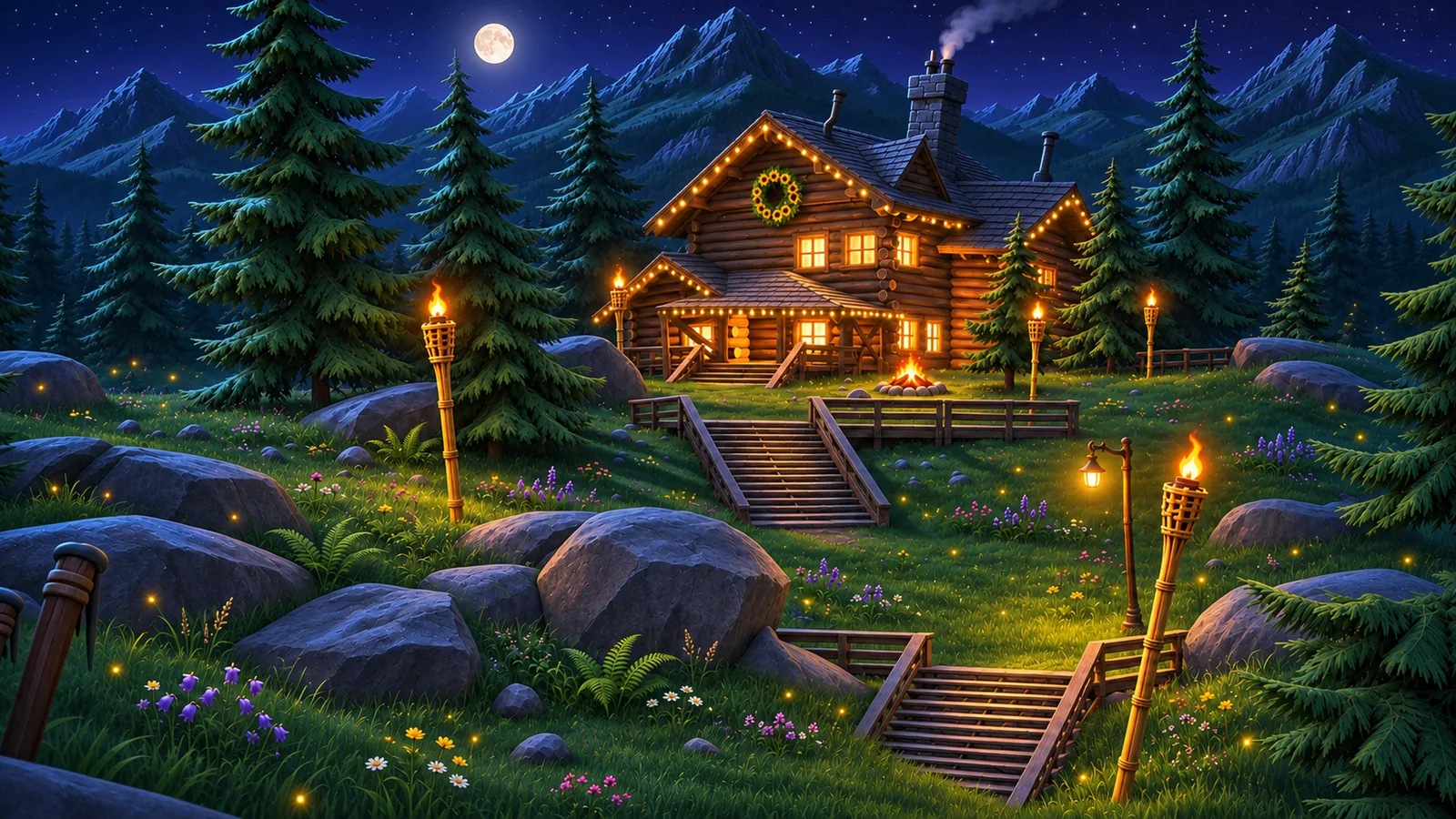
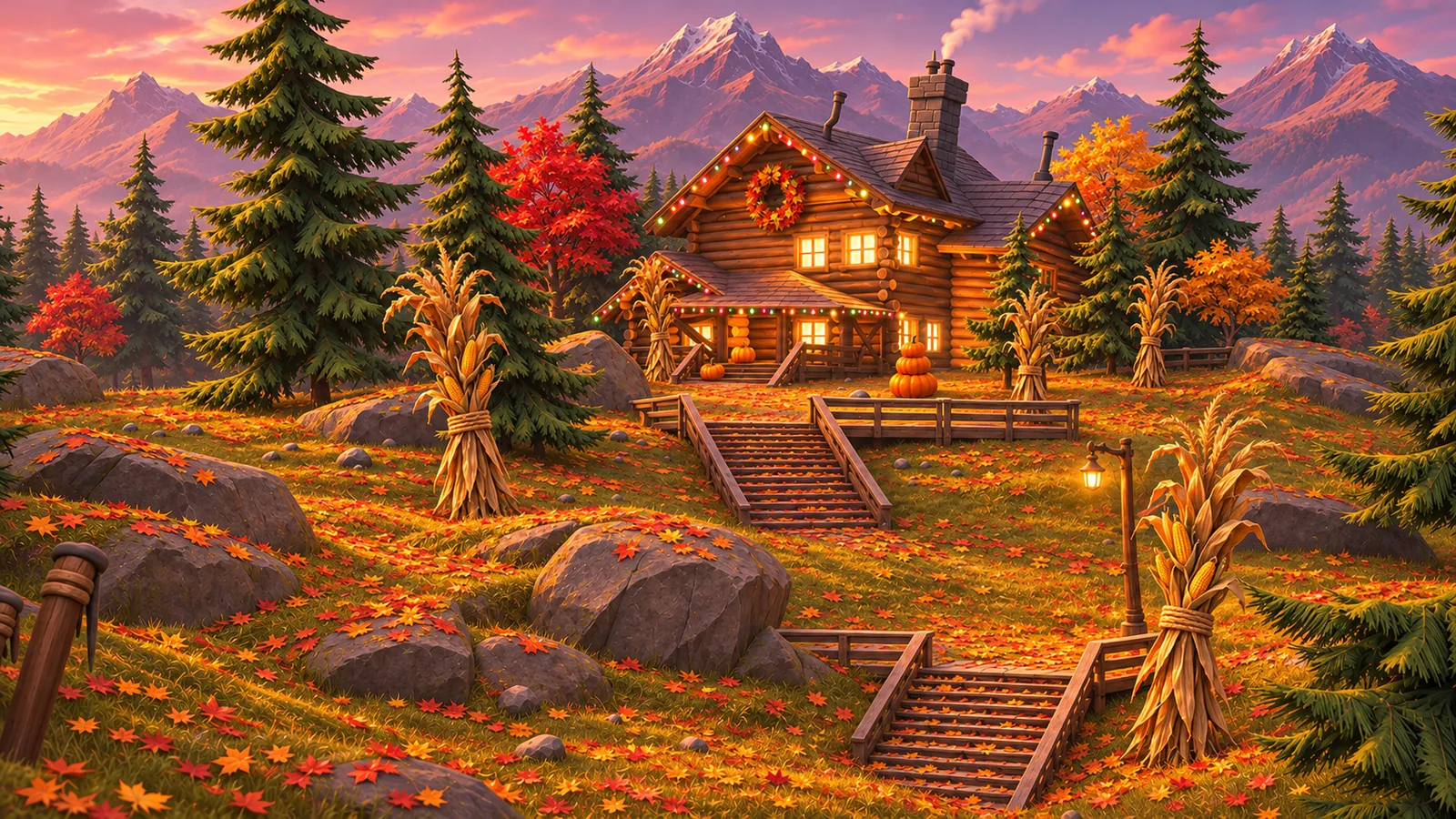
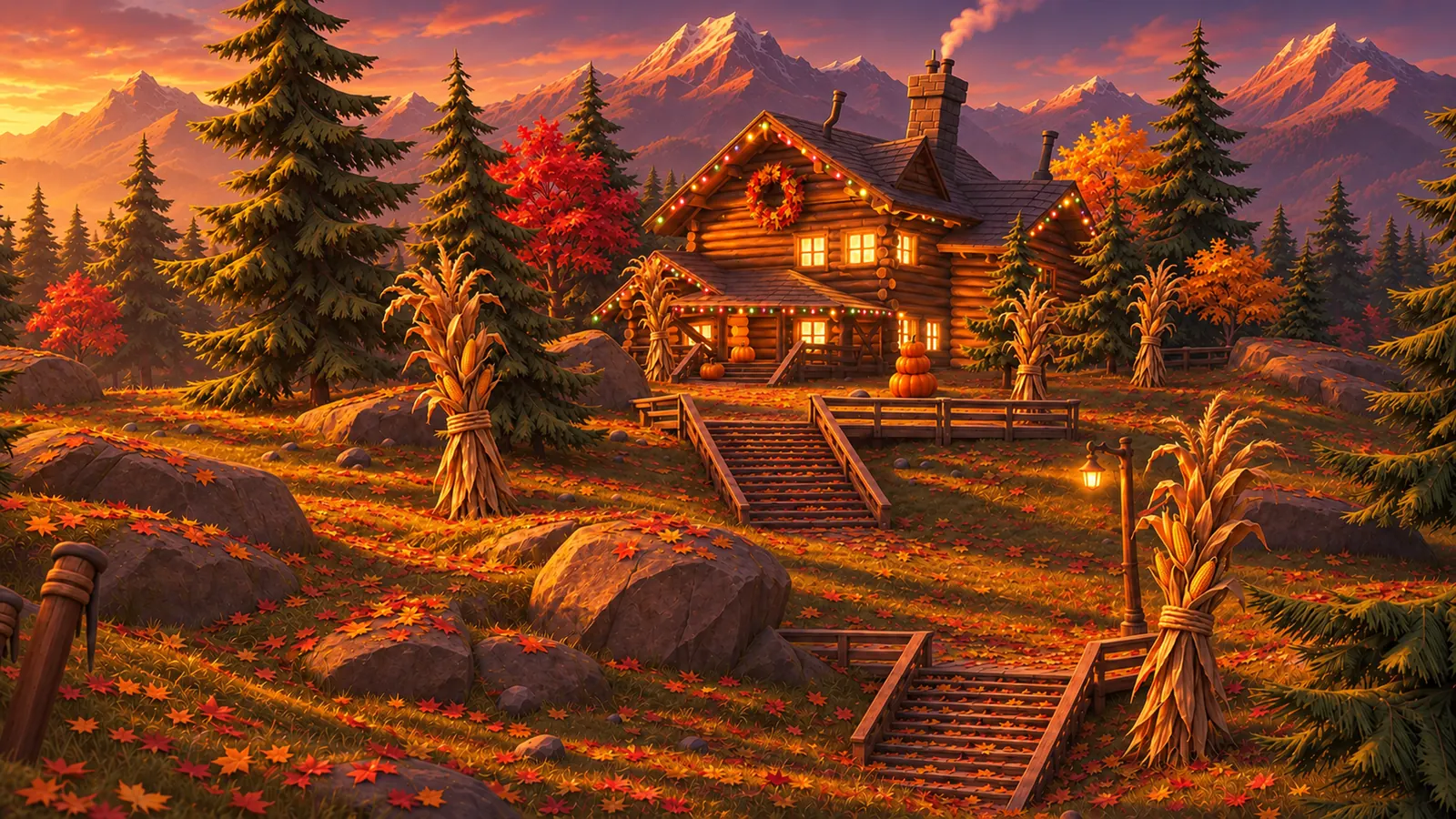
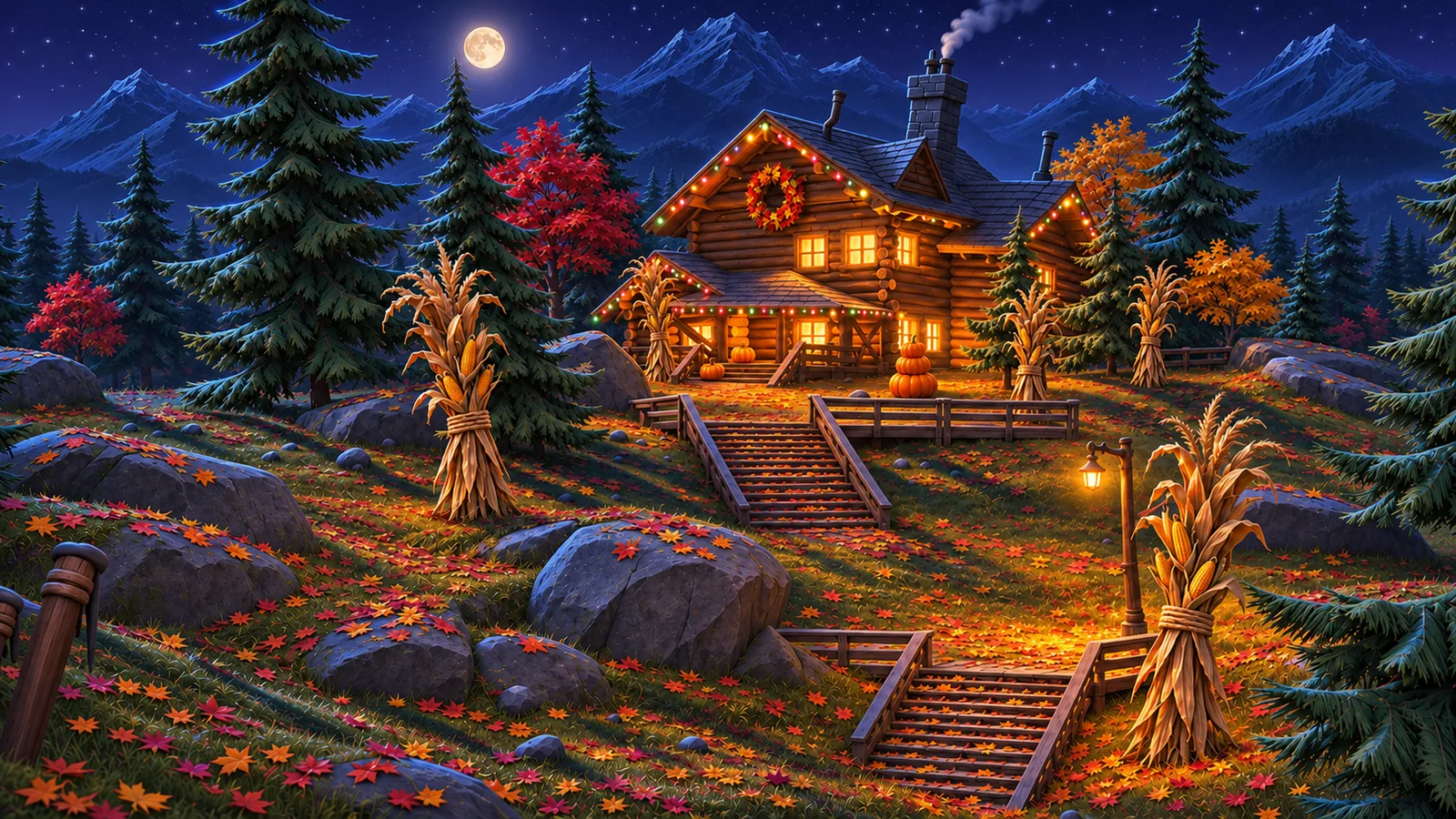 Autumn · 3840 × 2160
all 12
The whole set
tap one to see it big.
 Winter
 Spring
 Summer
 Autumn
and 12 more
The other paintings
they come with it too, three more for every season. tap one to see it big.
Winter
Spring
Summer
Autumn
north and south
Which one for which month
swap the painting when the season turns and your desktop keeps time with the window. if you’re south of the equator, flip it.
| Painting | North | South |
|---|---|---|
| Winter | Dec to Feb | Jun to Aug |
| Spring | Mar to May | Sep to Nov |
| Summer | Jun to Aug | Dec to Feb |
| Autumn | Sep to Nov | Mar to May |
two minutes
How to set one
- open System Settings › Wallpaper and click Add Photo, then pick the painting.
- or Control-click the file in Finder and choose Set Desktop Picture.
- choose Fill Screen, and turn on Show on all Spaces if you use more than one.
the boring bit
Will it fit?
they’re 3840 × 2160, which is 16:9. a MacBook screen is a little taller than that, so Fill Screen trims a thin slice off the sides, and the cabin stays in the middle. on a 5K display macOS scales them up a touch.
they’re made to sit under Season Jar’s weather: snow piles on your windows in front of the winter one, petals drift past the spring one. but the app draws over any wallpaper, so the snow works on yours too. the rest of a warm setup is in a cozy Mac desktop.
good to know
Questions
Are the wallpapers free?
They come with Season Jar: all 12 of them, and 12 more paintings, are on the page you land on after you buy, right next to your key. They aren’t sold on their own.
What size are they?
The cabin paintings are 3840 × 2160 JPEGs (16:9), and so are most of the others; four are 3840 × 2400. That’s sharp on a MacBook and on most external displays.
Will they fit my MacBook screen?
Yes. MacBook screens are a little taller than 16:9, so with Fill Screen macOS trims a thin slice off the sides. On a 5K display they’re scaled up a bit from 4K.
Do they change from day to night by themselves?
No, they’re still pictures, so pick the time of day you like. Season Jar’s weather is what moves.
Will they work on my iPhone or iPad?
They’re wide, landscape paintings, so on a phone you’d only see a narrow slice of the cabin. They’re made for the Mac.
Can I keep my own wallpaper instead?
No. It draws over the wallpaper you already have, behind your apps. Twenty-four paintings come with it if you want them (the cabin in every season by day, at dusk and by night, and more), but your own wallpaper works just as well.
Is Season Jar out yet?
Yes. Season Jar for Mac is a free download that needs a key to run (macOS 14 or later, from $9, paid once). See the plans, or play with the demo first: there’s no trial.

Season Jar for Mac
The cabin comes with it.
all 24 paintings come with it, right next to your key. pay once.
macOS 14 or laterfrom $9, pay onceAll sales are final, so try the demo first.
On Windows? It’s not out there yet, but the $5 golden ticket gets you lifetime access the day it lands.
More little guides

Snow on your Mac
snow that falls behind your apps and piles up on your windows.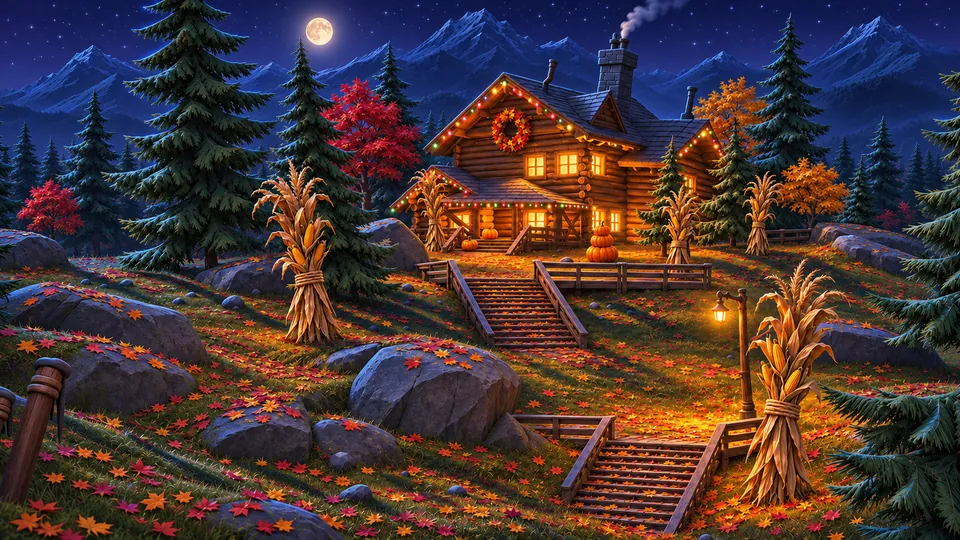
A cozy Mac desktop
a warm wallpaper, a tidy desktop and a little weather. a recipe.
Live weather on your Mac
your town’s real weather on the desktop, the temp in your menu bar.
Cherry blossoms and falling leaves
petals in spring, leaves in autumn, fireflies on summer nights.
Desktop toys you can throw
a tree, a snowman and a cabin you can pick up and throw onto your windows.Snow apps for Mac, compared
the main snow apps for mac side by side, and when another one is the better pick.
Updated · All guides