Rain outside, rain on your desktop.
Season Jar follows the live forecast for a town you pick and puts that weather on your Mac desktop. rain when it rains there, snow when it snows, and the temperature in your menu bar if you like.
macOS 14 or laterfrom $9, pay onceAll sales are final, so try the demo first.

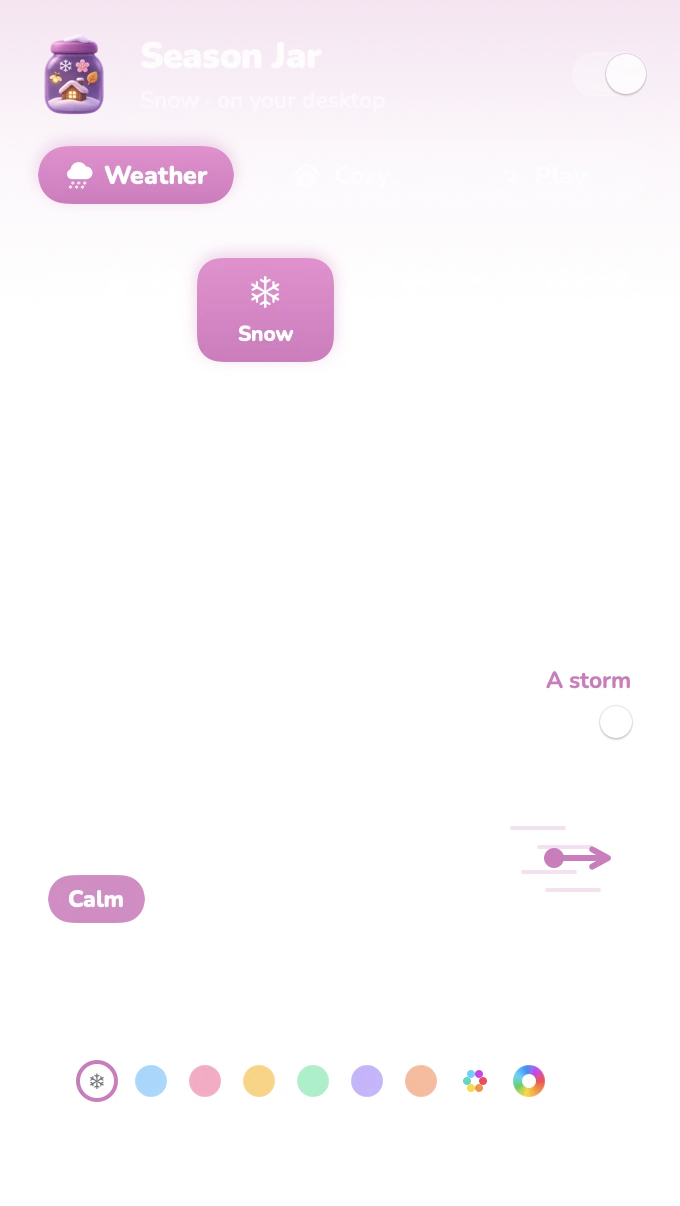
Clear skies, the season’s weather. on a summer day that’s golden dust, fireflies after dark. petals in spring, leaves in autumn.Rain or drizzle, rain. showers and freezing rain too.Snow, snow. or a blizzard when the wind there is strong. it piles up on your windows.Thunderstorm, thunderstorm. turn the sound on for the thunder.Fog, mist. soft and slow.
a sketch in your browser, not the app. your wallpaper stays put, only the weather changes. temps made up.
the cheat sheet
How it reads the sky
turn on Live, type your town, and Season Jar matches your desktop to the weather there.
| Your town’s forecast | On your desktop |
|---|---|
| Thunderstorm | ThunderstormTurn the sound on for the thunder. |
| Snow | Snow, or BlizzardBlizzard when the wind there is strong. It piles up on your windows: snow on your Mac. |
| Rain or showers | RainSleet too, unless it’s cold enough to count as snow. |
| Fog | Mist |
| Clear or cloudy | Whatever the season bringsCherry blossoms in spring, golden dust by day and fireflies at night in summer, falling leaves in autumn. |
Hour by hourit follows your town’s forecast hour by hour, and asks MET Norway for a fresh one at most every three hours.
The real windstrong wind turns snow into a blizzard, and it all leans the way the wind blows. or set your own wind.
Either hemisphereit goes by where your town is, so the seasons flip south of the equator.

up by the clock
The temperature in your menu bar
while it follows your town, the temperature sits right next to the weather symbol. it’s on by default, one switch to hide, and it uses °F or °C to match your Mac.
save a few towns, home, the office, your parents’ place, and switch with one click. it’s the temperature now, not a forecast: for that, see just want a forecast? above.
privacy, quickly
What it sends: a town.
for the weather, that’s the whole list. the forecast comes from MET Norway and the town search from Apple Maps, and apart from those, the app only checks its key with us now and then. the full policy fits on one page: privacy.
other weather apps find you in other ways, from your location or your internet address. here’s how each snow app knows your weather.
Only your town, for the forecast. with real weather on, MET Norway gets the location of the town you pick, and that’s it. what you type in the town search goes to Apple Maps, so it can find the place.
No location permission. it never asks where you are. you type a town and pick it from a list.
No account. nothing to sign up for, nothing to log in to.
Window positions, never what’s in them. it knows where your windows are so the snow knows where to land. that’s it.
Real weather is optional. leave it off and the only one Season Jar talks to is us, to check its key now and then.
your call
Or pick the weather yourself
Live is just one option. snow in July, blossoms in a heatwave, rain because you like the sound. each kind of weather can have its own color too.
rain is the one to try with the sound on. Season Jar makes its wind, rain, thunder, crackling fire and soft chimes live on your Mac, and sound stays off until you turn it on.
and when you step away, there’s a snow screen saver too.
to go under it
The cabin, every season
twenty-four paintings come with Season Jar: the cabin in every season by day, at dusk and by night, and more. see the cabin series in cozy cabin wallpapers.
 Winter
 Spring
 Summer
 Autumn
good to know
Questions
Does it need my location?
No. You type the name of a town and pick it from the list (Apple Maps finds it). With real weather on, only that town’s location goes to MET Norway, for its forecast. There’s no account and no location permission. Season Jar does know where your windows are, so the snow knows where to land, but never what’s in them.
Where does the weather come from?
From MET Norway, the Norwegian weather service. Season Jar asks it for your town’s forecast and reads the hour that’s happening now: rain, snow, fog or clear, the temperature and the wind. The forecast is shared under CC BY 4.0, and the app credits MET Norway for it. Finding your town uses Apple Maps, built into macOS.
How often does it update?
Hour by hour. It asks MET Norway for your town’s forecast at most every three hours, as they ask, and reads the current hour from it, so your desktop keeps up with the weather in between. When your Mac wakes up, it picks up the hour that’s happening then.
Is it a live wallpaper?
Not quite. Your wallpaper stays exactly as it is, and the weather is drawn over it, behind your apps. That’s how the snow can land on your windows. If you’d like a painting to go under it, there are the cozy cabin wallpapers.
What happens when I’m offline?
It carries on from the forecast it already has, which covers the next few days, still hour by hour. It tries again a little later, waiting a bit longer each time, and catches up once you’re back online.
I live in the southern hemisphere. Does it know?
Yes. It goes by your town, so a clear day in Melbourne in December gets summer, not winter.
Can I save more than one town?
Yes. Save as many as you like and switch between them with one click, handy if your heart lives somewhere snowier than you do.
Is it a forecast app?
No. It shows what the weather is doing now, as weather on your desktop. For a forecast, macOS has its own Weather widget, and from macOS 15.2 Weather can sit in your menu bar too (Apple’s steps).
Will it slow my Mac down or drain the battery?
It’s built not to. It only draws while you can see your desktop: when apps cover it, everything stops except the strip by the Dock, which keeps going at a low frame rate. Nothing is drawn while your screen sleeps, it drops to 30 frames a second in Low Power Mode, and Efficiency mode in Settings keeps it there all the time if you like.
Is Season Jar out yet?
Yes. Season Jar for Mac is a free download that needs a key to run (macOS 14 or later, from $9, paid once). See the plans, or play with the demo first: there’s no trial.

Season Jar for Mac
Bring your own sky inside.
pay once, it’s yours. not sure yet? the demo on the home page runs right in your browser.
macOS 14 or laterfrom $9, pay onceAll sales are final, so try the demo first.
On Windows? It’s not out there yet, but the $5 golden ticket gets you lifetime access the day it lands.
More little guides

Snow on your Mac
snow that falls behind your apps and piles up on your windows.
A cozy Mac desktop
a warm wallpaper, a tidy desktop and a little weather. a recipe.
Cherry blossoms and falling leaves
petals in spring, leaves in autumn, fireflies on summer nights.
Desktop toys you can throw
a tree, a snowman and a cabin you can pick up and throw onto your windows.Snow apps for Mac, compared
the main snow apps for mac side by side, and when another one is the better pick.
Cozy cabin wallpapers
one cabin, four seasons, by day, at dusk and by night. twelve of them, in 4K.
Updated · All guides