Desktop toys you can pick up and throw.
Season Jar puts a tree, a snowman you build and a cabin on your Mac desktop. pick any of them up and throw it: it falls, bounces and lands in the snow, on the Dock or on top of a window, and rides along when you move that window.
macOS 14 or laterfrom $9, pay onceAll sales are final, so try the demo first.
the main thing
Pick it up, throw it
grab the tree, the snowman or the cabin and it swings a little in your hand, like it has weight. let go and it falls, bounces once or twice and settles.
where it lands is real: in the snow along the bottom of your screen, on top of the Dock, or on top of a window. land it on a window and it rides along when you drag that window around. close the window and down it comes.
sweep the pointer past and they wobble. right-click one for its options.


piece by piece
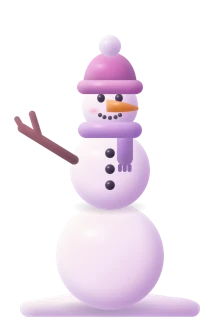
Build a snowman
he goes together like a real one: snowballs first, then his face, a carrot nose, buttons, arms, a scarf and a hat.
drop him from up high and he breaks back into snowballs. stack the middle and then the head on again and he’s whole. he doesn’t hold a grudge.
there’s a snowball game too: hold Option and sweep through the snow on the ground to roll balls that grow, then bowl, flick, throw and stack them. every snowman you build counts.
tree, star, presents
Hang a bauble
click a branch to hang a bauble. click the star and the lights go off, click again and they’re back.
switch Santa on and every now and then he flies over and drops a present. click it open and the ornament inside hangs itself on your tree.





the toy box
And a few toys
all of them are the app’s own, drawn in code like the rest. each one has its own switch.

A cable car
runs from the top of the screen down to a window, and swings when you drag that window.
A sledstarts off
launch it off one window and catch it with another. the penguin rides.
A snowplough
clears the deep snow along the bottom of your screen when it gets a bit much.
Santa, now and thenstarts off
flies over and drops presents. click one open and the ornament inside hangs itself on your tree.A shovel
pick it up and dig out the drift. each scoop throws the snow the way you dug, and the holes fill back in while it snows.
under the menu bar
Fairy lights
strings of little clay bulbs hang under the menu bar, or anywhere you like: Arrange Lights lets you drag the ends around, add strands and take them down.
festive, warm, seasonal, rainbow or your own color. classic, globe or star bulbs. twinkle, chase or breathe. brush them with the pointer and they swing.
put them anywhere
Little decorations
small things to set around your desktop. they stay where you leave them, and hover one for the × to take it down. these get dragged around, not thrown.
- a snow globe
- a candle
- hot cocoa
- a lantern
- a wreath
- a stocking
- a gingerbread friend
- a candy cane
- a pumpkin
- a flower pot
- an ice pop
click the snow globe, or carry it around quickly, and its snow swirls.



all year
Dressed for the season
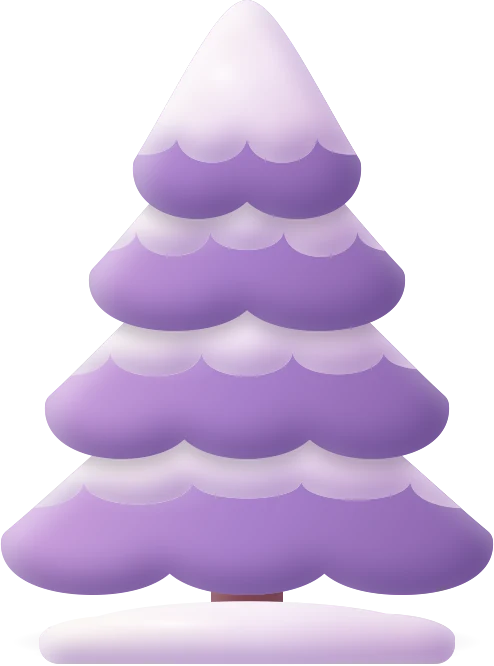
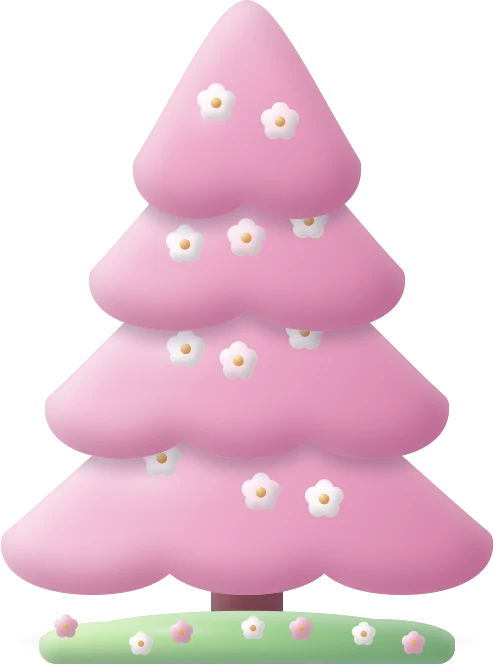
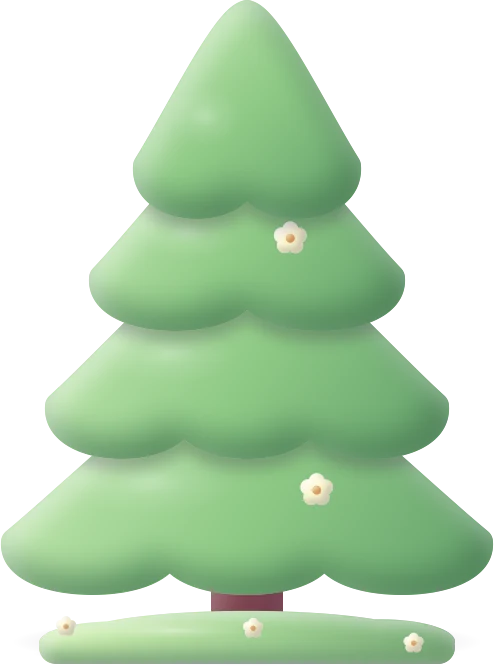
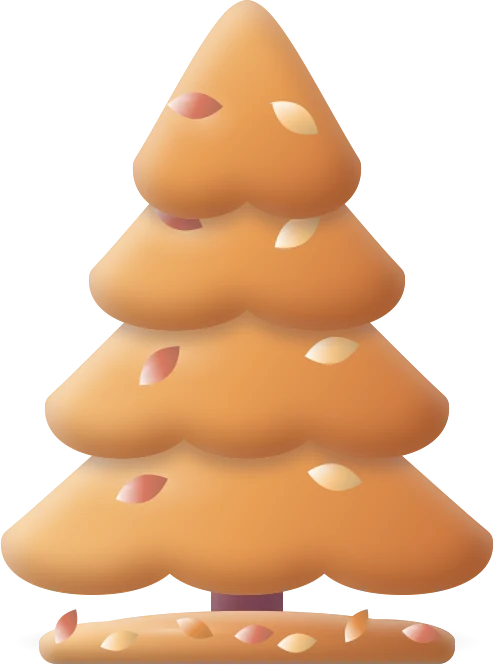
the tree and the cabin change with the year: snow in winter, blossoms on the grass in spring, fresh green in summer and falling leaves in autumn.
on automatic they follow your weather, and otherwise the time of year. or just pick one.


a penguin and a bunny wander along beside the Dock. click one and it hops. that’s it, that’s the whole job.
never in the way
Out of your way
Behind your apps.everything lives on the desktop. the one you’re carrying shows in front until you let go.
Clicks go through.anything you aren’t meant to play with lets your clicks pass straight through.
A switch for each.every toy and decoration can be turned off on its own, in Settings or the menu-bar panel.
One shortcut.Control Option W turns the weather off from any app, and back on.
Remembered.where you left everything is still there after a restart.
Light on your Mac.it only draws while you can see the desktop, and stops while the screen sleeps.
more on the weather itself in snow on your Mac, and how to make the whole desktop feel warm in a cozy Mac desktop.
good to know
Questions
Can I put toys or decorations on my Mac desktop?
Yes, with an app. macOS itself only does wallpapers and widgets. Season Jar puts a tree, a snowman you build and a cabin on your desktop, plus a few little toys and decorations, and you can pick them up and move them around.
Will they cover my apps?
No. They live on the desktop, behind your windows. The one you’re holding shows in front while you carry it, and one sitting on top of a window sits just above that window and rides along with it.
Do they stay where I leave them?
Yes. Where you put things is remembered, even after a restart. Little decorations stay put too; hover one for the × to take it down.
Can I turn the Christmas things off?
Yes. Every toy and decoration has its own switch, in Settings and in the menu-bar panel. Santa and the sled start off; switch them on when you want them. Control Option W turns the weather off from any app.
Is it a desktop pet app?
Not really. A penguin and a bunny wander along beside the Dock and hop when you click them, but they’re a small part of it. Season Jar is mostly weather on your desktop, with things to play with.
Will it slow my Mac down?
It’s built not to. It only draws while you can see your desktop: when apps cover it, everything stops except the strip by the Dock, which keeps going at a low frame rate. Nothing is drawn while your screen sleeps, it drops to 30 frames a second in Low Power Mode, and Efficiency mode in Settings keeps it there all the time if you like.
Is Season Jar out yet?
Yes. Season Jar for Mac is a free download that needs a key to run (macOS 14 or later, from $9, paid once). See the plans, or play with the demo first: there’s no trial.

Season Jar for Mac
Something to play with, finally.
pay once, it’s yours. the tree, the snowman, the cabin and all the toys come with it.
macOS 14 or laterfrom $9, pay onceAll sales are final, so try the demo first.
On Windows? It’s not out there yet, but the $5 golden ticket gets you lifetime access the day it lands.
More little guides

Snow on your Mac
snow that falls behind your apps and piles up on your windows.
A cozy Mac desktop
a warm wallpaper, a tidy desktop and a little weather. a recipe.
Live weather on your Mac
your town’s real weather on the desktop, the temp in your menu bar.
Cherry blossoms and falling leaves
petals in spring, leaves in autumn, fireflies on summer nights.Snow apps for Mac, compared
the main snow apps for mac side by side, and when another one is the better pick.
Cozy cabin wallpapers
one cabin, four seasons, by day, at dusk and by night. twelve of them, in 4K.
Updated · All guides